

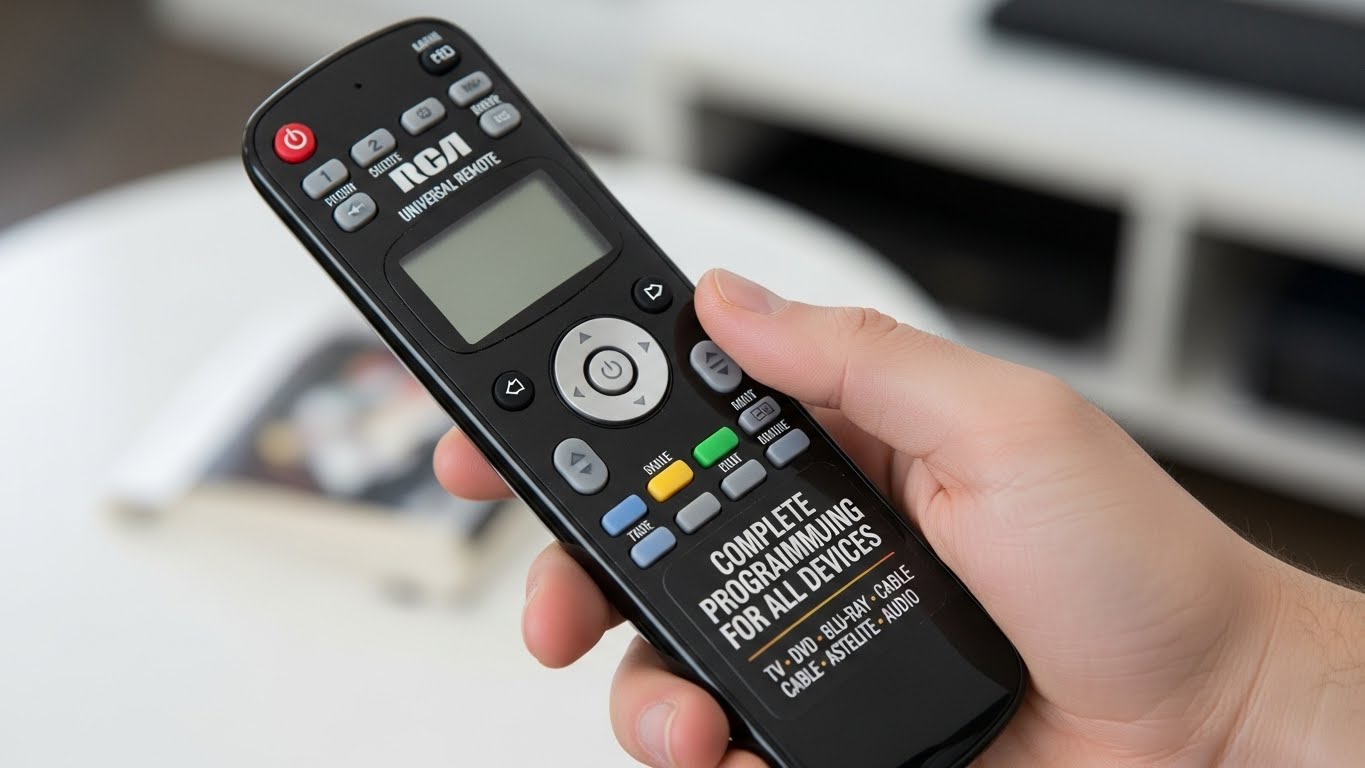
RCA universal remotes are popular because they make controlling multiple devices easier. Instead of using separate remotes for your TV, DVD player, cable box, streaming device, or sound system, an RCA remote allows you to control everything with just one device. To make it work, you need the correct RCA universal remote codes. These codes help your remote communicate with your device. This guide explains everything about RCA universal remote codes—how they work, how to find them, how to program your remote, common problems, and step-by-step instructions for beginners.
What Are RCA Universal Remote Codes?
RCA universal remote codes are short numeric codes (usually 3–5 digits) that pair your remote with a device like:
- TV
- DVD player
- streaming device
- soundbar
- VCR
- cable box
Each device brand has its own set of codes. Entering the correct code allows your remote to control functions like power, volume, input, and channels.
Why RCA Universal Remotes Need Codes
When you press a button on the remote, it sends a signal. The code tells the device how to understand that signal. Without a correct code:
- the device will not respond
- buttons may not work correctly
- only some functions may activate
Programming the remote ensures full compatibility.
Types of Devices Supported by RCA Remotes
1. Televisions
Most RCA codes are used for TVs from brands like Samsung, LG, Sony, Vizio, and TCL.
2. DVD & Blu-ray Players
RCA remotes can control play, pause, stop, eject, and more.
3. Cable & Satellite Boxes
You can switch channels, control volume, and access menu settings.
4. Soundbars & Audio Systems
Used to adjust volume, mute, and power.
5. Streaming Devices
Some remotes support Roku, Amazon Fire TV, and similar systems.
How to Find RCA Universal Remote Codes
There are several ways to find the correct code.
1. Code List in the Manual
Most remotes come with a small booklet containing brand-specific codes.
2. RCA Website
You can search using your remote model number.
3. Auto Code Search
Your remote will test codes until it finds the correct one.
4. On-Device Sticker
Some TVs have stickers with recommended codes.
5. Online Databases
Many websites collect updated RCA universal remote codes.
Popular RCA Universal Remote Codes for TVs

Here are some of the most common TV codes:
Samsung TV Codes
- 12051
- 10702
- 10178
- 10812
LG TV Codes
- 11423
- 12424
- 10178
- 1423
Sony TV Codes
- 10810
- 10000
- 11317
- 11712
Vizio TV Codes
- 11756
- 10864
- 10178
- 12707
TCL Roku TV Codes
- 387
- 385
- 10818
RCA Codes for DVD Players
Sony DVD Player
- 1904
- DVD codes: 301, 302, 303
LG DVD Player
- 2303
- 2368
Samsung DVD Player
- 2049
- 2399
Panasonic DVD Player
- 2042
- 2071
RCA Codes for Cable Boxes
Comcast/Xfinity
- 1627
- 1998
Dish Network
- 0775
- 1005
DirecTV
- 0392
- 0566
Spectrum/Charter
- 0810
- 0850
RCA Universal Remote Codes for Soundbars
Vizio Soundbar
- 1517
- 1009
Bose Soundbar
- 1960
- 1993
Samsung Soundbar
- 32660
- 32676
Sony Soundbar
- 1345
- 1984
How to Program an RCA Universal Remote (Manual Code Entry)
Step 1: Turn On the Device
Make sure your TV or device is powered on.
Step 2: Press and Hold the Device Button
For example: TV, DVD, SAT, AUX.
Step 3: Enter the Code
Use the keypad on the remote.
Step 4: Test the Buttons
Try:
- Power
- Volume
- Channel
- Menu
If it works, programming is complete.
Step 5: Try Another Code if Needed
Some devices require multiple attempts.
How to Program an RCA Remote Using Auto Code Search
Auto search is helpful when you don’t know the code.
Step 1: Turn On the Device
Make sure it is ready.
Step 2: Press and Hold the Device Button
Until the LED light turns on.
Step 3: Press and Release the Power Button
The remote will scan codes.
Step 4: Wait for the Device to Turn Off
This means the correct code was found.
Step 5: Lock the Code
Press “Stop” or “OK” to save the code.
Troubleshooting RCA Universal Remote Problems
1. Remote Not Responding
- Replace the batteries
- Clean the IR sensor
- Reprogram the remote
2. Some Buttons Don’t Work
Use a different code or auto-search mode.
3. Device Turns Off but Other Controls Fail
This means the wrong code type was used.
4. LED Light Not Blinking
Battery or hardware issue.
5. Remote Only Works Up Close
Check for dirt blocking the infrared sensor.
How to Reset an RCA Universal Remote
Resetting helps fix programming issues.
Reset Steps
- Remove batteries
- Hold the number 1 key for 60 seconds
- Press and hold “Power” for 10 seconds
- Reinsert batteries
Your remote is now back to factory settings.
How to Improve Remote Performance
Use Alkaline Batteries
Long-lasting and strong signal output.
Avoid Obstructions
Make sure there is a clear line between remote and device.
Update Device Firmware
Modern smart TVs update their IR codes over time.
Use Remote Closer to the Device
Especially in bright rooms.
Advantages of Using an RCA Universal Remote
1. Reduces Clutter
One remote replaces many.
2. Easy to Program
Simple instructions make setup fast.
3. Works With Many Brands
Supports hundreds of devices.
4. Inexpensive
Affordable compared to other universal remotes.
5. Durable
RCA remotes last for years.
How to Maintain Your RCA Remote
Keep It Clean
Dust reduces signal strength.
Avoid Dropping
Impact can damage internal components.
Store Properly
Keep away from moisture and extreme heat.
Replace Batteries On Time
Weak batteries cause delayed response.
Signs You Are Using the Wrong RCA Code
- buttons don’t respond
- volume works but power doesn’t
- device responds slowly
- only menu works
If you notice these signs, try another code.
Frequently Asked Questions
1. Can I use a universal code for all devices?
No, each brand has unique codes.
2. Does every RCA remote work the same?
Most models use similar instructions, but some vary.
3. Why does the code not work?
Wrong code, weak batteries, or blocked IR sensor.
4. Can I use one remote for multiple TVs?
Yes, if the remote supports multi-device programming.
5. Is auto-code search reliable?
Yes, but sometimes manual entry works better.
Conclusion
Understanding and using RCA Universal Remote Codes makes setting up your home entertainment system much easier. These codes allow your RCA remote to communicate with TVs, DVD players, soundbars, and other devices. Whether you use manual code entry or auto-search, programming is simple once you know the steps. With the right code, your RCA remote becomes a powerful tool that reduces clutter, saves time, and keeps your devices organized. By following the tips, instructions, and troubleshooting steps in this guide, you can enjoy a smooth and effective remote-control experience.